
Disclaimer: The views and opinions expressed in this post are solely those of the author and do not necessarily reflect the views or positions of their employer.
tl;dr A super not technical post about web-onizing fonts so I don't have to add tracking metrics. (I am not a lawyer.)
Ye Olde Font Blues
For a while now, I've been wanting to do some stupid things with wild fonts on this blog, but have been constantly stymied by the licensing situation around pretty much everything that isn't available under an open license (e.g. Google Fonts).
A while back I stumbled upon the Chequered Ink Greatest Hits collector's collection, which notably shipped on a cassette tape USB flash drive, and contained "all 1200 Chequered Ink Fonts for commercial use." Needless to say, for $30, you can often barely buy one font in one style for personal use, let alone 1200 that allow commercial use. It was an instant buy (and I'm sure the games are fun too, all their stuff is available here #notsponsored).
However, on reading the full license terms included on the cassette tape (more or less identical to the "All Fonts Pack" license), there were some relevant limitations:
- You may use the Product in digital documents and software applications provided that:
- The Product is protected from extraction by the end user so that they may not access the Product on its own outside of your application.
- Your digital document or application is not designed to serve the same function as the Product, i.e. the document must not allow end-users to use glyphs from the Product for use in their own designs.
- You may use the product in graphics, videos, video games, broadcasts and other visual media as long as they meet the criteria defined above for digital documents and software applications.
I was a little disappointed by this, as the license was more restrictive than implied, but overall, it's pretty workable for me, and very liberal for purposes that are not super relevant to me but otherwise typically very expensive (e.g. ads).
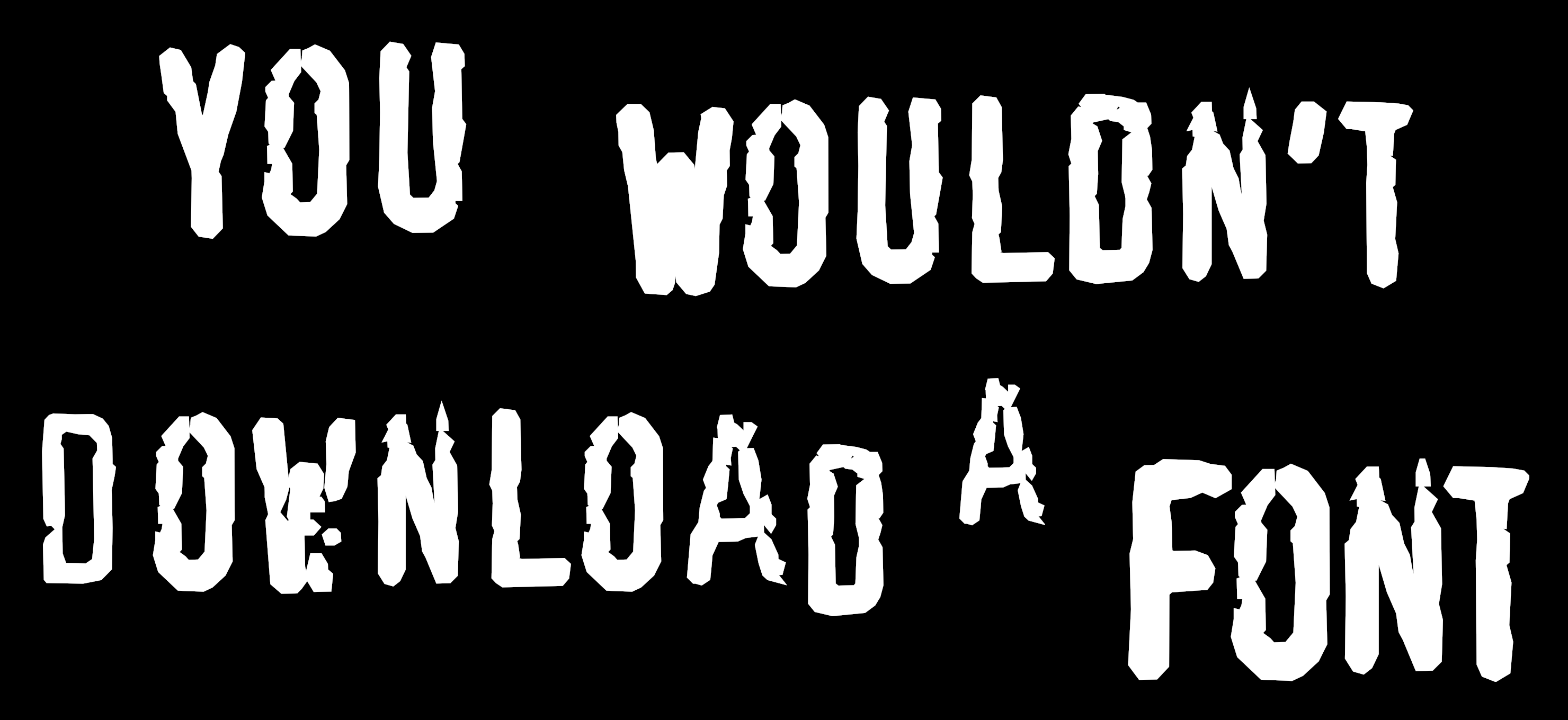
Unlike the MPAA, I paid for this font.
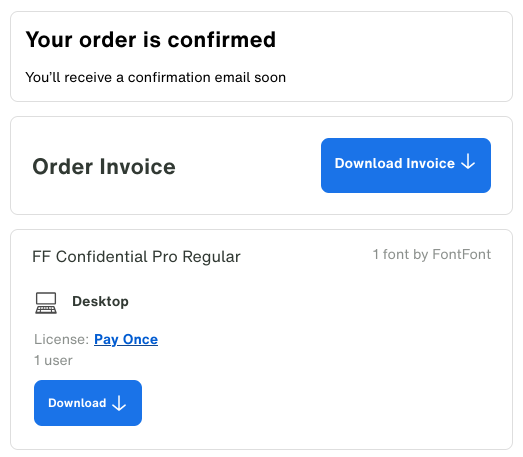
Webfont Licensing and You, or:
It's a big club, and you ain't in it.
The Chequered Ink fonts are a bit of an anomaly as they pretty much allow you to do whatever as long as you don't actually make the font files themselves available, either directly or indirectly (i.e. server-side font rendering as a service). In most cases, a lot of these use cases will be broken up into separate licenses.
Font licenses are pretty much either fully open or super draconian (and Oracle-level expensive if you cross them). Often one can only buy separate (expensive) licenses for basic desktop publishing, webfonts, apps, ads, books, ebooks, etc. Fonts are similar to newspapers these days; almost nobody pays for them, so the few that do are charged their next three generations and twenty cows.
There are many websites that offer "free" fonts (or reproductions of dubious
quality), but their legitimacy is murky and they might have some scary fine print.
You might have noticed the use of Cloister Black above, which is notably the font used to represent L from Death Note. I bought it this past Black Friday season from Fontspring since it it was both real and had ok-ish licencing terms.
I don't mean to dunk on Fontspring since their "worry-free" licenses are admitedly an improvement in the ecosystem, but they give us a pretty clear example of an upper-bar from which to assume almost everything else is certainly worse. Below is their web font license summary:
A web font license allows you to embed font files into your CSS code. When a user accesses your website, their web browser will automatically download your embedded fonts temporarily for them to use. We will provide you with instructions and special files that are tuned specifically for the web. Web font licenses are limited by monthly “pageviews”, which is a unit used to measure traffic to your web pages. Pageview limits can be adjusted in your shopping cart if needed. The total pageviews per month of all your websites must be less than the pageview limit you purchased. Limits can be upgraded later.
All of Fontspring licenses are perpetual, which means you pay once and use it forever. Fontspring does not require you to install any cumbersome pageview tracking scripts. We trust you.
Thank you Fontspring for your trust and basic human decency. However, I don't trust that internet miscreants won't DDoS websites to cause them to incur increased license fees.
So yeah, I've paid for a bunch of webfont licenses in addition to desktop licenses, but I don't really plan to use the fonts that way due to the unbounded risk. That's a bit of a bummer, but I'll move on. Their desktop license page contains some useful pieces of information for us (emphasis mine):
Embedding fonts is not allowed with this license with a few exceptions (such as a PDF reports). All licenses on our site are perpetual, which means you pay once and use it forever.
Note: Embedding a font means to include the font in a file to be used by the person receiving the file. For example, a font file embedded in a website’s code. Embedding rasterized images created by the font is not considered embedding the font. Embedding licenses for websites, apps, ebooks, and more are available from Fontspring.
Licensed Users are prohibited from distributing or embedding the Fonts in Documents to unlicensed End Users in any format other than read-only PDF. The Fonts used in other Document formats distributed to unlicensed End Users must be (a) rasterized into a pixel-format image, or (b) converted into static vector outlines.
Licensed Users are prohibited from embedding the Fonts in:
- Websites and digital ads using CSS @font-face
To quote Encyclopedia Britannica, HTML is "a formatting system for displaying material retrieved over the Internet. … HTML markup tags specify document elements such as headings, paragraphs, and tables. They mark up a document for display by a computer program known as a Web browser." Of XML, they say it is "a document formatting language used for some World Wide Web pages."
Now that we've established that HTML and XML are "document" formats, we have a quandry: how can we display text in fonts in a license compliant manner (i.e. without providing the fonts themselves)?
Well, as long as we render the fonted text out into something that no longer contains the font logic, such as
a raster (e.g. PNG, JPEG, etc.) or vectorized image
(e.g. SVG image files, but not .svg font files using <font> tags).
You might ask "Why SVG?". I prefer the ability to scale/zoom in without tons of loss of quality, and rendering the SVG at just 4x (or even a browser-based rendering) to PNG/JPG results in a similar or greater filesize anyway.
Used SVG!
It's Super Effective!
Converting text that uses a font to SVG is relatively simple with tools like Inkscape.
However, what is more complicated is doing it with page styling applied.
Thankfully tooooools/html-to-svg is pretty nifty in this regard,
and it uses opentype.js, which supports OTF, TTF, and WOFF/WOFF2.
However, because I am pre-rendering the fonts, this means that I need to do it at least twice, once for landscape
and one for portrait (i.e. mobile). Given the variability in the latter, I have to pick a lowest common denominator
width, but this also means I can apply orientation-specific line breaks as applicable.
The slightly more tedious part (after all of the heavy lifting from html-to-svg) is making the text content
still available to select, copy, extract, etc. If we simply just plop in the SVG (or a raster image), we lose
all of the actual text content. This is arguably part of the trap of commercial font licensing. They want you
to pay an unbounded recurring subscription to enable people to use your words instead of just view them.
Commercial webfont licensing is incompatible with a free and open web.
So there are two main strategies to choose from. One could embed the text in the SVG itself, or one could keep
the text in the main HTML document. I consider cases of the former where the SVG is inlined within the HTML not
to be the latter as it recreates the main limitation of the former, which is that CSS styling within SVG is more
limited than that for HTML (and <svg>/<object> tags in HTML). It is also not enough to just have the raw
text, it should also be formatted in the same way.
The approach I'm using in this post is to do a bit of HTML juggling to overlay the original HTML above the
rendered image and use CSS styling to make the text invisible (but still selectable). There are a couple of
kinks I haven't been able to work out fully automatically (e.g. margin-bottom after trailing paragraphs
in a position: absolute <div>), but I've given myself some tooling to take care of those on a case by case
basis. Of course, the text won't necessarily be the same visual size or align perfectly with the rendered font
as the fonts are different, but given the purpose of the invisible text is to be easily computer readable, I'm
happy enough with how it currently works.
Come on, select the text. You're not gonna regret it. The payoff is huge.
// Copyright 2025 Google LLC.
// SPDX-License-Identifier: Apache-2.0
const renderer = new HtmlToSvg({
  debug: false,
  ignore: '',
  fonts: [
    ...
  ]
})

async function render(element, result) {
  result.innerHTML = ''
  try {
    await renderer.preload()
    const svg = await renderer.render(element)
    result.innerHTML = svg.outerHTML
    return true;
  } catch (error) {
    console.error(error)
  }
  return false;
}

function reload(element) {
  let n = element.cloneNode(true)
  element.parentNode.replaceChild(n, element);
}
function isLandscape() {
  return window.innerWidth > window.innerHeight
}

async function toSvg() {
  let divs = document.getElementsByClassName('licensed-font')
  for (let div of divs) {
    const ndiv = div.parentNode.cloneNode(true)
    ndiv.removeChild(ndiv.children[0])
    if (ndiv.classList.contains('svg-code')) {
      ndiv.setAttribute("style", "width: 20000px;");
    } else {
      ndiv.setAttribute("style", "width: 100%;");
    }
    let result = await render(div, ndiv)
    if (result !== true) {
      continue;
    }
    ndiv.removeAttribute("style");

    // <div class="licensed-font-container"> : ndiv
    //   <svg> : svg
    //   <div ...>: div
    let svg = ndiv.children[0];
    div.classList.add('repositioned')
    div.setAttribute('data-orig-font', div.style.fontFamily)
    div.style.fontFamily = div.getAttribute('data-alt-font');
    div.removeAttribute('data-alt-font')
    let path = div.getAttribute('data-path');
    path = path.replaceAll('.md/', '/');
    path = path.replaceAll('.markdown/', '/');
    path = path.replace('_posts/', '');
    path = path.replace('/svg/', '');
    if (isLandscape()) {
      path = path.replace(/\.svg$/, ".l.svg")
    } else {
      path = path.replace(/\.svg$/, ".p.svg")
    }

    div.parentNode.parentNode.replaceChild(ndiv, div.parentNode)
    ndiv.appendChild(div)
    ndiv.classList.add('rendered')
    if (Array.from(div.classList).indexOf('spacer') != -1) {
      div.classList.remove('spacer');
      svg.classList.add('spacer');
    }
  }
}